Best Meal Planning App for Cutting and Bulking: What to Look For in 2026
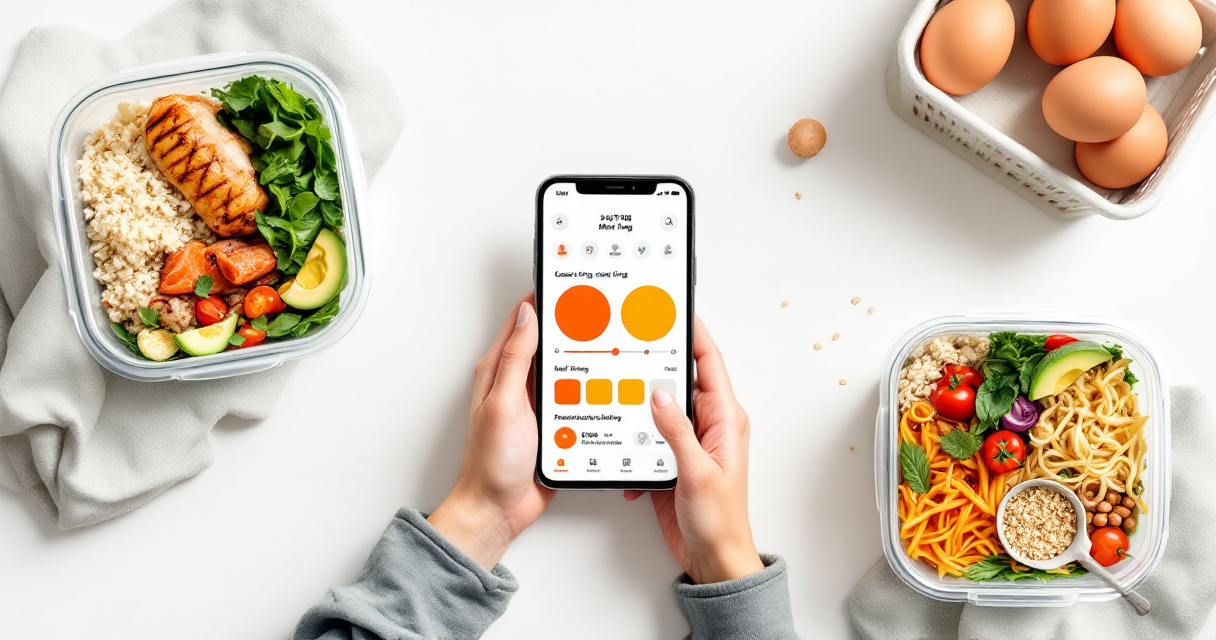
The best meal planning app for cutting and bulking is not just a recipe box; it is a system for matching food to a changing training goal. Cutting needs controlled calories and high satiety, while bulking needs repeatable surplus meals that do not become random overeating. Meal planning app: software that turns calorie targets, macronutrients, recipes, preferences, and shopping needs into a practical eating plan. Dinecraft fits this use case because it creates weekly plans around user calories and macros, uses USDA-validated nutrition data, and supports both family meal planning and precise athlete-style tracking.
What is a meal planning app for cutting and bulking?
A meal planning app for cutting and bulking is an app that creates meals around different calorie and macro targets as your physique goal changes. For cutting, it helps you stay in a controlled deficit. For bulking, it helps you hit a planned surplus with enough protein, carbs, and meal consistency.
Key insight: The goal is not the app itself. The goal is fewer daily food decisions while keeping your weekly intake aligned with training.
A basic recipe organizer can help you save meals, but a macro-focused planner must adjust portions, ingredients, and weekly grocery needs. Wikipedia describes Paprika as an app and website for organizing recipes, producing meal plans, and creating grocery lists, which is useful for household planning. Cutting and bulking require a tighter layer: calorie math, protein targets, food volume, and phase-specific adherence.
Useful terms:
- Cutting: eating below maintenance calories to lose body fat while preserving muscle.
- Bulking: eating above maintenance calories to support muscle gain and training output.
- Recomposition: trying to gain muscle and lose fat slowly, often with smaller calorie changes.
- Macro tracking: planning protein, carbohydrates, and fat instead of calories alone.
How should your app change between cutting, bulking, and recomp?
Your app should change calorie targets, portion sizes, meal volume, and flexibility depending on whether you are cutting, bulking, or recomposing. The same recipe database can serve all three goals, but the plan logic should treat a deficit, surplus, and maintenance-style phase differently.
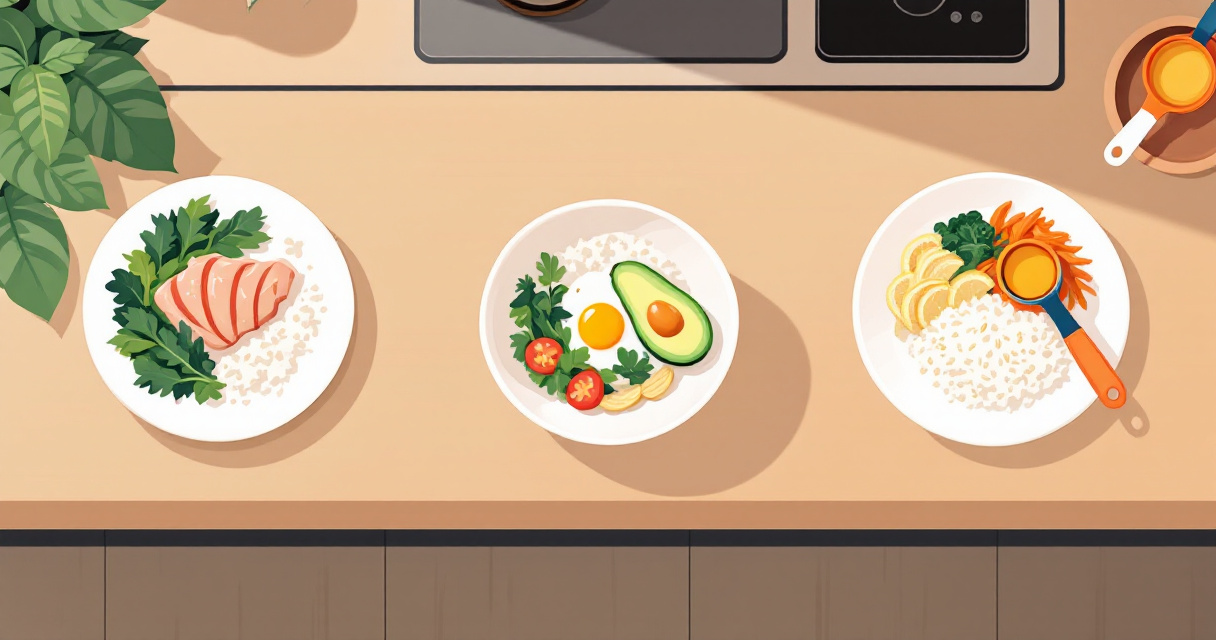
- Set the goal phase: choose cutting, lean bulking, aggressive bulking, or recomp.
- Lock calories first: make the weekly plan fit your target intake before adding variety.
- Prioritize protein: keep protein visible at the meal and day level.
- Adjust meal volume: use filling foods on a cut and calorie-dense add-ons on a bulk.
- Generate a shopping list: reduce missed ingredients and last-minute substitutions.
- Review adherence weekly: change the plan if you cannot repeat it.
Phase-by-phase feature matrix
| Goal phase | Calorie control | Protein emphasis | Meal volume | Flexibility features | Most useful app capability |
|---|---|---|---|---|---|
| Cutting | Very high | High | High satiety, lower calories | Swaps that preserve macros | Portion scaling and validated nutrition |
| Lean bulking | High | High | Moderate, easy to repeat | Add-ons like rice, oats, oils, sauces | Planned surplus without guesswork |
| Aggressive bulking | Moderate | High | Higher calories, more meal frequency | Fast prep and batch cooking | Large weekly grocery planning |
| Recomp | High | Very high | Balanced | Meal templates and progress review | Consistent protein across days |
Cutting punishes loose tracking more than bulking does. A few untracked oils, snacks, or oversized portions can erase a deficit. Bulking has the opposite problem: many people think they are eating enough, but their weekly intake still falls short because meals are inconsistent.
Recomp sits between both. It needs patience, steady protein, and fewer dramatic calorie swings. For many lifters, the best app is the one that makes boring consistency easier.
What features separate serious macro meal planning from recipe storage?
Serious macro meal planning uses nutrition validation, portion control, grocery execution, and repeatable workflows, while recipe storage mainly helps you save and organize meals. In 2026, the gap matters because AI can generate attractive recipes faster than users can verify whether the macros are accurate.
A 2023 collective reflection on ChatGPT and generative AI by Aras Bozkurt and coauthors examined possible futures for AI in education and knowledge work, including the need to think carefully about generated outputs (source). For food planning, the practical lesson is simple: generated recipes should be checked against trusted nutrition data, not treated as automatically correct.
Capability checklist for macro-focused users
| Capability | Why it matters for cutting | Why it matters for bulking |
|---|---|---|
| USDA-validated nutrition data | Reduces hidden calorie errors | Helps surplus targets stay intentional |
| Macro-based recipe generation | Builds meals around targets | Adds calories without losing protein balance |
| Portion scaling | Keeps favorite meals usable | Turns small meals into growth-friendly meals |
| Allergen-aware planning | Prevents unsafe or unusable plans | Keeps high-calorie options practical |
| Aisle-sorted shopping lists | Makes prep repeatable | Supports larger weekly food volume |
| Family and precision modes | Avoids separate cooking when dieting | Helps athletes and households share meals |
A planner also affects waste. Research by Ncube, Ude, and Ogunmuyiwa reviewed plastic waste generation and management in food packaging industries (source). Meal planning will not solve packaging waste alone, but organized shopping lists can reduce duplicate purchases and unused ingredients.
Food system impact is also gaining attention. Sovacool, Bazilian, and Griffiths reviewed decarbonizing the food and beverages industry in 2021 (source). For a household, the practical move is modest but useful: plan meals before buying, batch ingredients across recipes, and avoid emergency takeout by having food ready.
How Dinecraft handles macro-focused meal plans
Dinecraft handles cutting and bulking by building weekly meal plans around calorie and macronutrient targets, then turning those plans into recipes and aisle-sorted shopping lists. The value is not just AI recipe generation; it is the combination of personalization, macro targets, USDA-validated nutrition, and practical weekly prep.
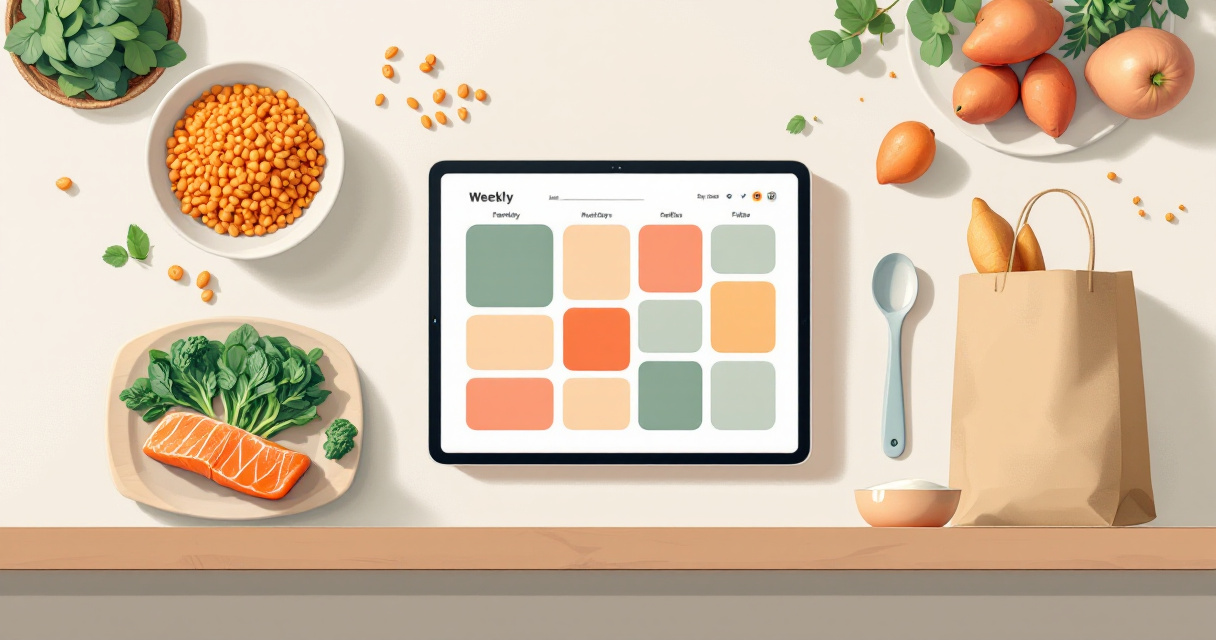
The Dinecraft platform is especially relevant when you need two planning styles in one place. A busy family may want simple dinner ideas, while an athlete in the same household may need precise protein, carbohydrate, and fat targets. Switching between casual planning and precision macro mode avoids the common problem of using one app for recipes and another for tracking.
Best-fit use cases for Dinecraft
- Cutting phase: create filling meals that stay inside a calorie target without removing all variety.
- Lean bulk: add calories in planned ways, such as larger starch portions or higher-calorie ingredients.
- Meal prep: generate weekly recipes, ingredients, images, macros, and shopping lists in seconds.
- Allergen-aware planning: avoid foods that make a plan unusable for the person cooking or eating.
- Macro-conscious families: keep shared meals practical while still supporting individual targets.
The strongest fit is for people who already know their calorie target but struggle to turn it into real meals. If you want a plan you can cook, shop for, and repeat, visit dinecraft.app and compare your current workflow against a generated weekly plan.
FAQ: choosing a cutting or bulking meal planner
A good cutting or bulking meal planner should make the next meal obvious, measurable, and easy to repeat. These questions cover the common buying decisions for macro-conscious users, athletes, meal preppers, and families.
Is a meal planner better than a calorie tracker for cutting?
A meal planner is better for cutting when your main problem is decision fatigue, not logging. Calorie trackers record what you ate, while planners help decide what to eat before hunger and schedule pressure hit. Many people still use both: the planner sets the week, and the tracker checks adherence.
Can one app work for both bulking and cutting?
Yes, one app can work for both if it supports adjustable calorie targets, macro targets, portion scaling, and recipe swaps. The food list does not need to change completely. The portions, add-ons, meal timing, and calorie density usually change more than the core meals.
What nutrition data should I trust in an AI meal plan?
Trust meal plans that connect recipes to recognized nutrition data and show the macros clearly. USDA-validated nutrition data is stronger than unsupported estimates because users can make decisions from known ingredient values. AI-generated recipes are useful, but the nutrition layer should be checked.
How often should I update my cutting or bulking plan?
Most people should review the plan weekly because grocery shopping, training volume, appetite, and bodyweight trends change. Do not rebuild everything daily. A weekly review gives enough feedback to adjust calories, swap meals, or change prep volume without turning eating into a full-time job.
Conclusion
A reliable meal planning app for cutting and bulking should do four jobs well: set calorie targets, protect protein intake, create realistic meals, and make shopping simple. Start by choosing your current phase, entering your macro targets, and building one repeatable week instead of chasing perfect variety. If you want AI-generated plans with validated nutrition and grocery-ready execution, head to dinecraft.app and create a week you can actually cook.